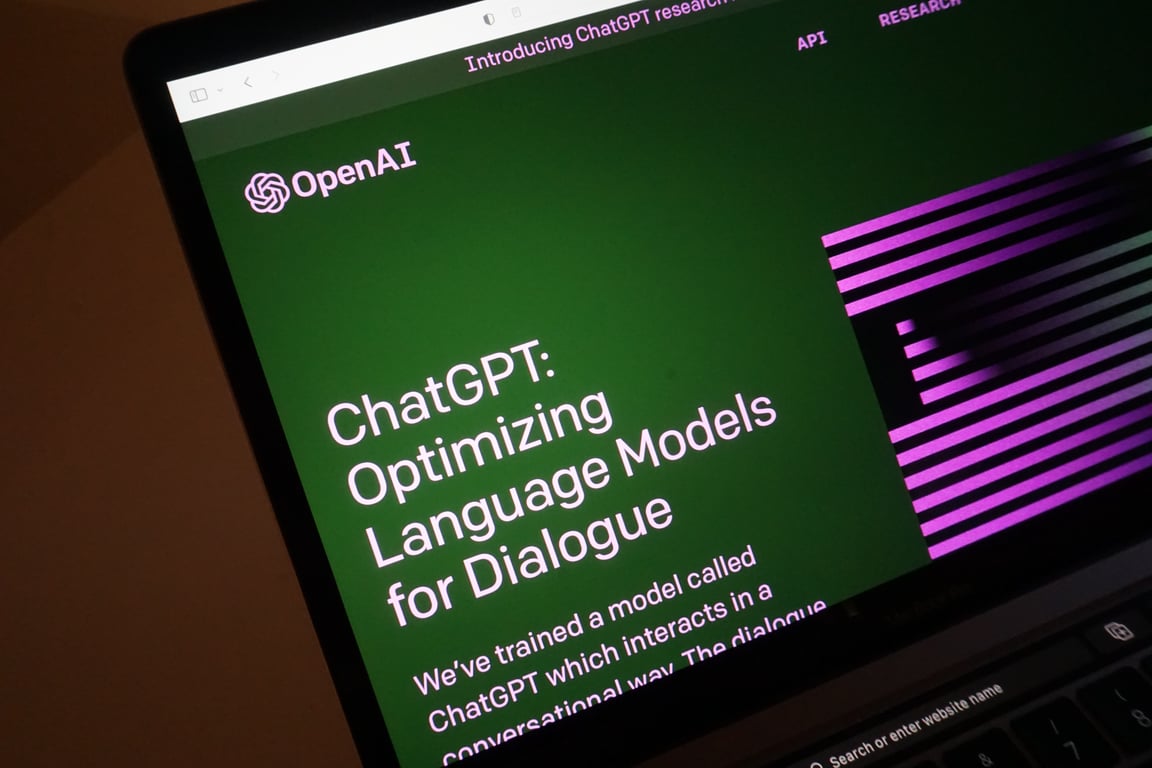
How to Clone a Website Using Cursor + Cloudflare (Repeatable Workflow)

Clone a website with Cursor + Cloudflare in a repeatable workflow: scrape, store, and deploy via GitHub for migration, testing, or content analysis.
Jun 11, 2026
How to Clone a Website Using Cursor + Cloudflare (Repeatable Workflow)
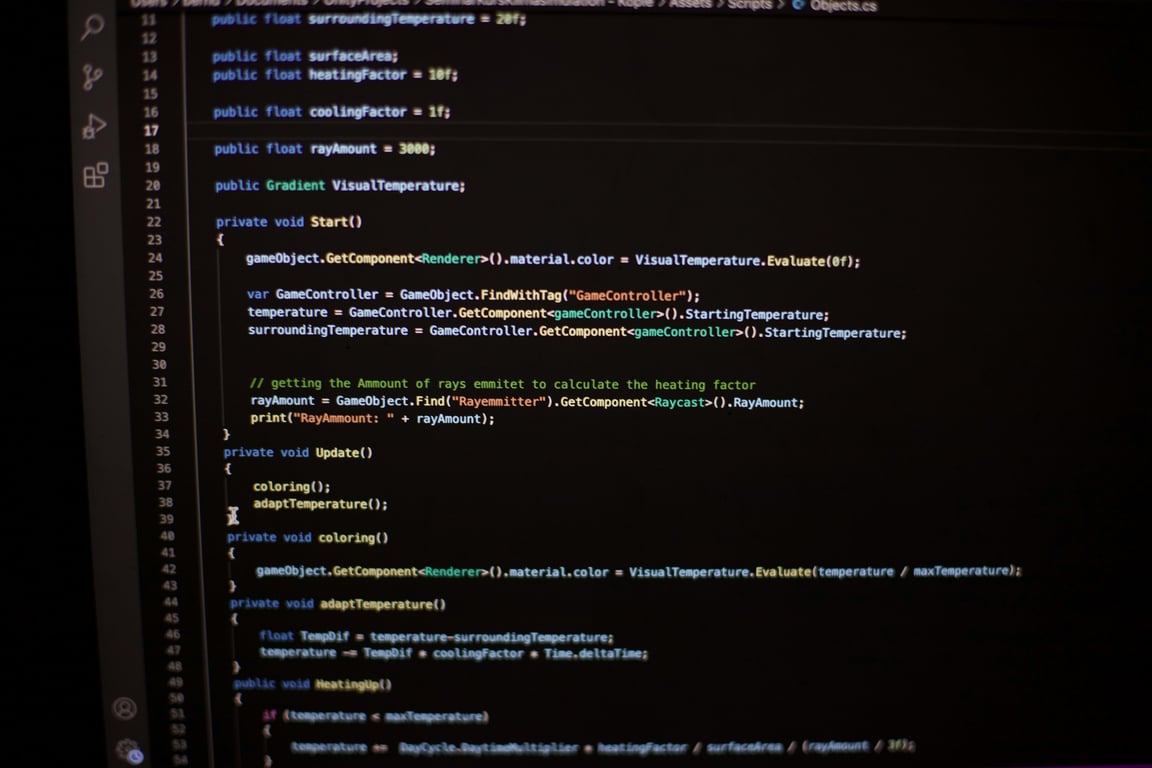
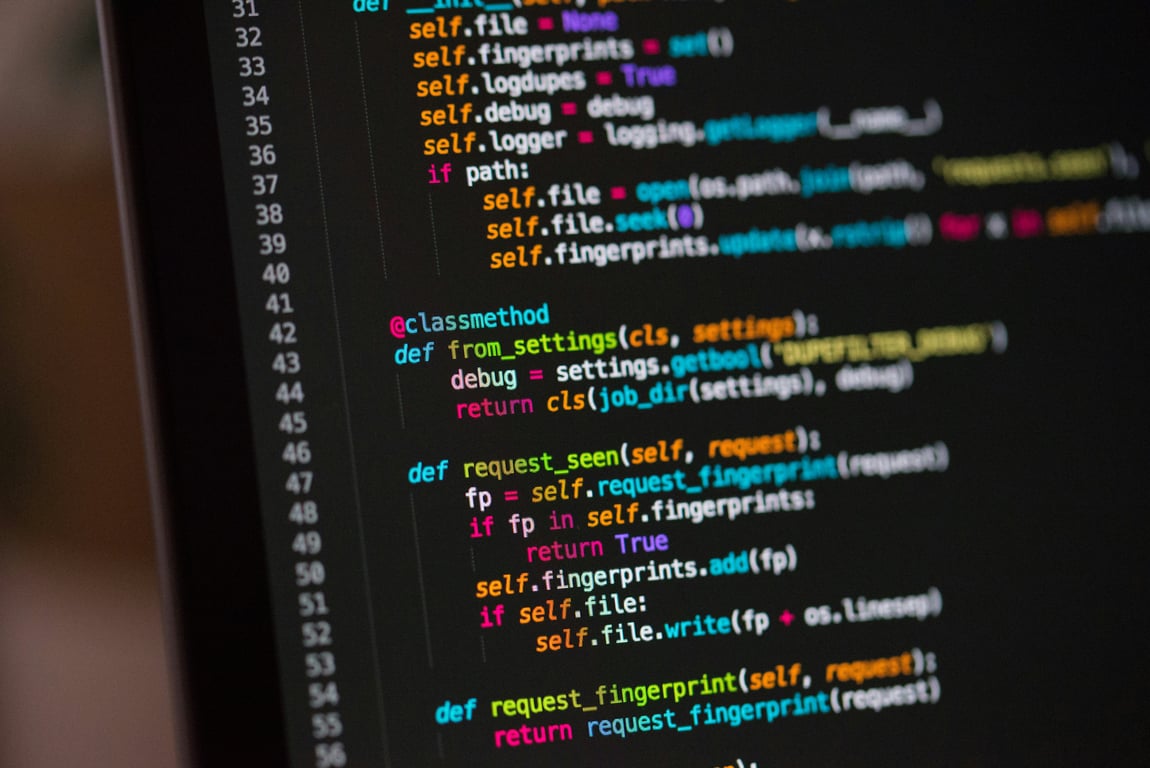
If you want to clone a website quickly for internal testing, migration prep, or content analysis, the simplest repeatable approach is to use Cursor to generate the scripts and Cloudflare to store and serve the output, with GitHub handling builds and version control.
cursor website cloning workflow — Photo by Chris Ried on Unsplash

What you are cloning (and what you are not)

  • This is for cloning a site’s structure and content for internal use cases like analysis, staging, and migration planning.
  • It is not permission to copy a competitor’s IP. Only clone sites you own or have explicit rights to replicate.

The repeatable workflow (Cursor → scrape → store → publish)

1) Use Cursor to generate the scraping plan

  • Start with a clear target and scope.
  • Use Cursor to draft the script and iterate quickly.

2) Scrape the site in a controlled way

  • Respect robots.txt and rate limits.
  • Capture:
    • URLs and navigation structure
    • Page HTML or extracted content
    • Metadata and headings (H1/H2/H3)
    • Assets and internal links

3) Store scraped data in Cloudflare

  • Use Cloudflare storage for the scraped output and intermediate files.
  • Keep a consistent folder schema so rebuilds are predictable.

4) Build and publish via GitHub

  • Keep the scraper, parsing logic, and publishing output in a version-controlled repo so the workflow is reproducible.
  • Use GitHub actions to:
    • run the build
    • regenerate output
    • deploy to Cloudflare

Common pitfalls (and how to avoid them)

Getting blocked

  • Slow down requests.
  • Rotate user agents only when appropriate.
  • Prefer headless browser rendering only when necessary.

Broken internal links

  • Normalize relative links.
  • Add a link-rewrite step so navigation works in the cloned environment.

Losing context for later updates

  • Save a manifest:
    • crawl time
    • number of pages
    • any failures
    • source domains

When to use this workflow

  • Site migration or redesign planning where you need a clean snapshot of the current site
  • Building an internal knowledge base from a legacy site
  • Extracting structured content for an AI system (with permission)

Ready to automate your website cloning workflow?

If you want this as a fully automated pipeline with monitoring and retries, book a free consulting call and we will map the fastest path for your stack: Book a discovery call