This post includes a ready-to-copy database blueprint for a Notion coaching portal (members, lessons, monthly check-ins, and metrics tracking).
Quick answer: what a Notion coaching portal is (and why it works)
A Notion coaching portal is a shared workspace where members can watch lessons, fill out recurring check-ins (like a monthly workbook), and track progress over time — while the coach gets a dashboard to monitor engagement and results. If you're evaluating Notion for your business, this setup is one of the most repeatable ways to use it.
If your coaching program has repeatable check-in questions (e.g., “new clients this month,” “revenue,” “pipeline”), Notion is a strong fit because the data can roll up into charts, dashboards, and reminders without building custom software.
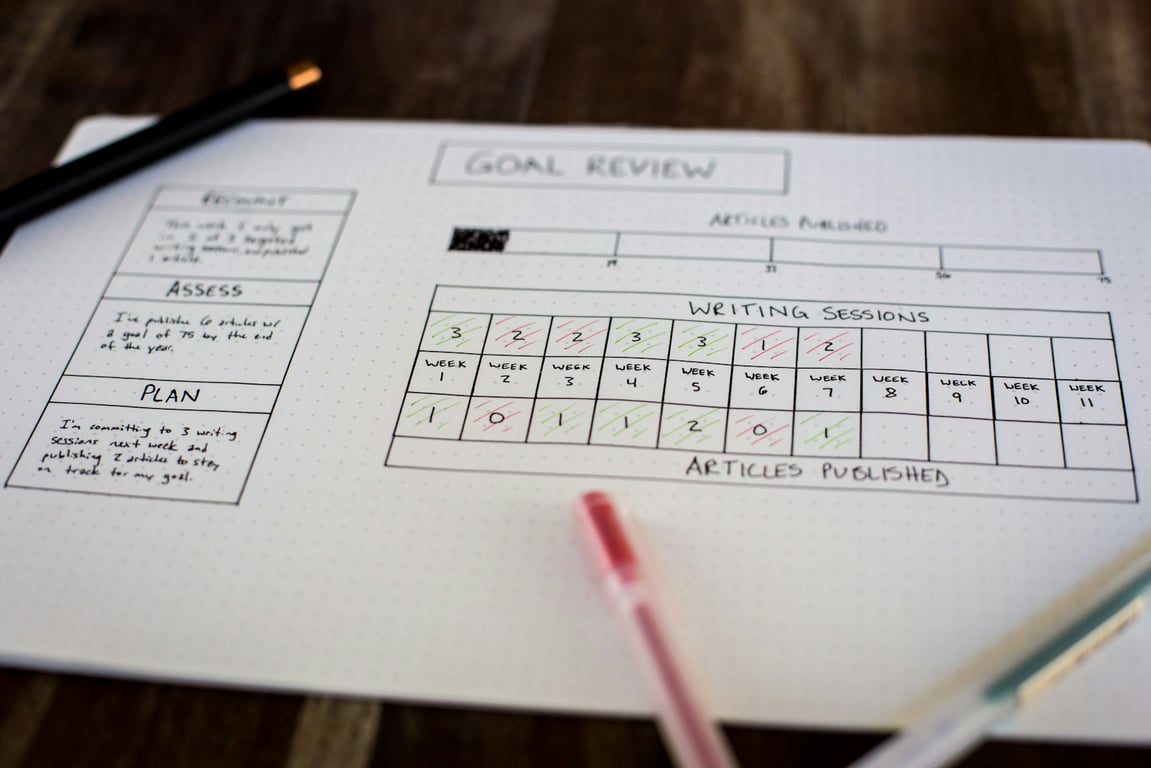
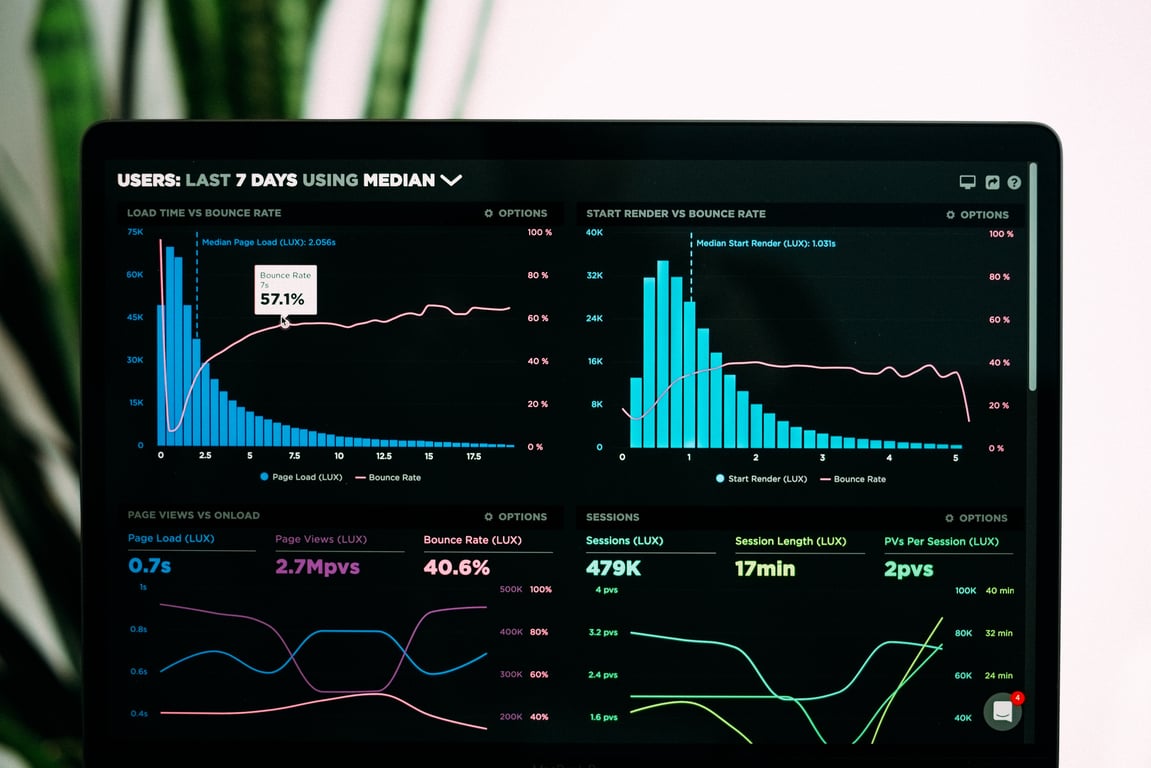
Notion coaching portal dashboard for tracking member progress and monthly metrics. Photo by Luke Chesser on Unsplash.
What you’re building (in plain terms)
You’re aiming for four core experiences:
Member learning hub: the 12-step / 12-month content library (videos + supporting notes).
Monthly check-in workbook: the same questions every month, filled out by each member.
Member progress view: members can see their own history and trends over time.
Coach dashboard: a single place to see who’s on track, who’s behind, and how outcomes are trending.
3 delivery models (paid seats vs guest + forms vs hybrid)
Notion portals usually fall into one of these models — pick based on cost and how interactive the portal needs to be.
Option A: Everyone gets a paid Notion seat (simplest)
Best for: high-touch programs where members edit directly in Notion.
Members log in and fill out check-ins inside your Notion workspace.
Easiest permissions + least tooling complexity.
Typically higher ongoing cost because pricing is per seat.
Option B: Members are read-only guests + check-ins via forms (lowest cost)
Best for: large programs and cost-sensitive delivery.
Members can view lessons and their info (read-only), but don’t edit databases directly.
Monthly workbook is submitted via a form tool and pushed into Notion.
Best for: when you want direct input without paying for every seat.
Members can input limited data while remaining guests/free users.
Works best when you restrict what they can touch (only their check-in pages).
Permissions can be trickier — plan time to test and harden access.
The recommended database blueprint (copy this)
Build these 4 databases as the spine of your Notion coaching portal.
1) Members database
Purpose: one row per member.
Properties:
Name (title)
Email (text or email)
Status (status: Active, Paused, Alumni)
Start date (date)
Cohort (select)
Assigned coach (person)
Portal access (select: Seat, Guest, Read-only)
2) Lessons database
Purpose: one row per lesson (e.g., 12 lessons).
Properties:
Lesson name (title)
Order (number)
Video link (url)
Summary (text)
Worksheets/resources (files or links)
Release month (select) optional
3) Monthly Check-ins database
Purpose: one row per member per month (your recurring workbook).
Properties (example set):
Member (relation → Members)
Month (date)
New clients (number)
Revenue (number)
Pipeline value (number)
Key wins (text)
Biggest blockers (text)
Next month focus (text)
Completed? (checkbox)
Submitted on (created time)
Views to add:
“My check-ins” (filtered by Member = me)
“Overdue check-ins” (Completed? = false AND Month is this month or earlier)
“This month submissions” (Month = this month)
4) Metrics (optional) database
Purpose: if you want a cleaner, more flexible way to track many metrics without constantly changing the Monthly Check-in schema.
How it works: store one metric per row, linked to a check-in.
Properties:
Check-in (relation → Monthly Check-ins)
Metric name (select: Revenue, New clients, Pipeline, Calls booked, etc.)
Value (number)
Notes (text)
If your workbook has 5–10 stable numeric fields, you may not need this. If the workbook evolves often, this structure makes changes easier.
How members actually use it (workflow)
Member workflow
Open the portal.
Watch lesson content (or follow the month’s recommended lesson).
Fill out the monthly check-in (same questions each month).
Review their progress dashboard (trends over time).
Coach workflow
Open the coach dashboard.
See who submitted (and who didn’t).
Drill into an individual member’s timeline.
Identify patterns (e.g., blockers repeated across multiple members).
Permissions + access rules that prevent “oops” moments
Keep your databases locked down and expose member-specific views/pages.
If members are editing directly in Notion, ensure they can only:
edit their own check-ins
view lesson content
not edit other members’ data
When in doubt, start with read-only and expand access after testing.
Automation ideas (reminders + accountability)
Here are reliable, coaching-friendly automations to add once the structure works. These connect to tools like Zapier or Make to keep things running without manual follow-up:
Monthly reminder: nudge members to submit their check-in when the new month starts.
Overdue reminder: if Completed? = false after X days, send a follow-up.
Coach alert: notify the coach when a member submits or stops submitting.
Progress summary: generate a monthly “coach snapshot” per member (wins, blockers, trend).
Common mistakes (so you can avoid them)
Building the portal around a static PDF instead of structured fields (you lose dashboards).
Letting members access raw databases (privacy and data integrity risks).
Over-engineering before you validate the workbook questions and reporting needs.
Skipping the “member view” experience (if it’s confusing, adoption drops).
Ready to build your Notion coaching portal?
If you'd like help designing and building a Notion coaching portal — including permissions, dashboards, and automated reminders — book a free discovery call and we'll map out what this looks like for your program.
Build a Notion meeting notes database that auto-summarizes and extracts next steps with AI autofill, then surface the right meetings anywhere using linked views.