OAuth integrations for productivity apps: a V1 blueprint
OAuth integrations for productivity apps as a V1: pick connectors with clear completion signals, normalize activity, then add Google and Outlook calendar sync.
OAuth integrations for productivity apps work best when the first release stays small. A pragmatic V1 isn't “integrate everything.” It's this: pick a few OAuth-based connectors with clear completion signals, standardize how you store activity, and ship one end-to-end loop from user auth → data ingest → completion detection → user-facing value.
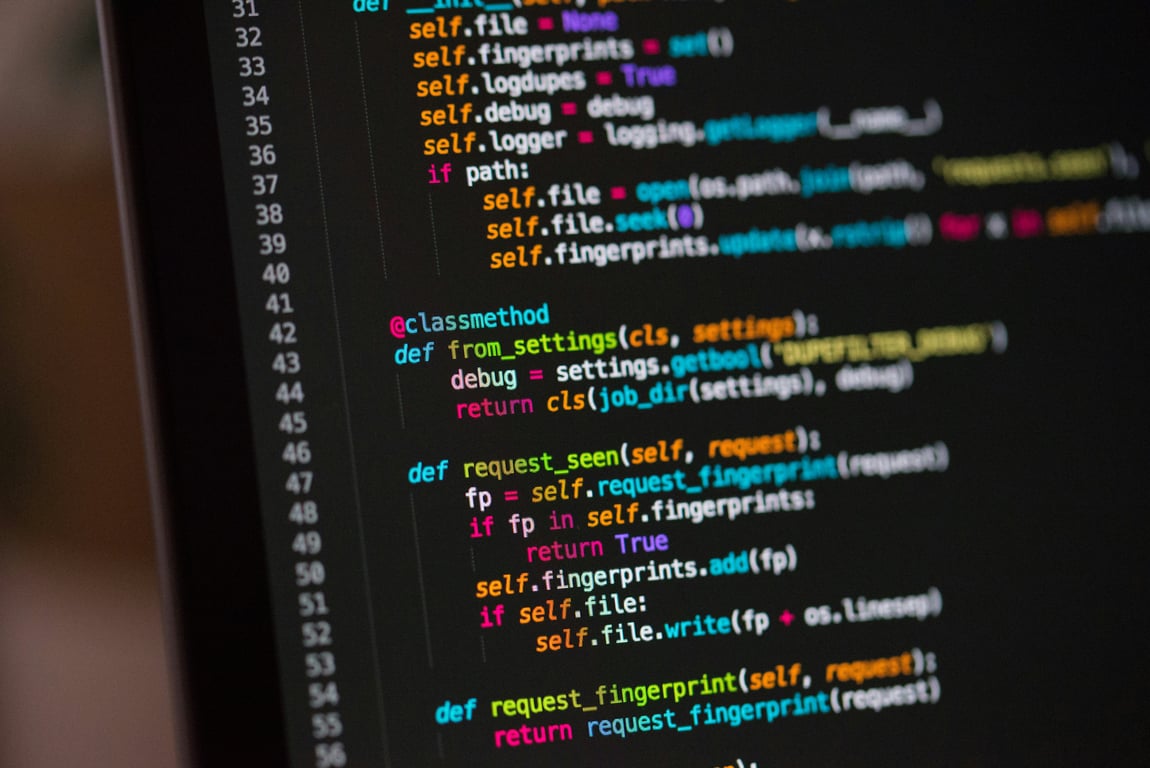
OAuth integrations for productivity apps start with code on the server side. Photo by Chris Ried on Unsplash
The running example is a product that watches for finished work in a user's other tools (closed tasks, won deals) and suggests it back as an accomplishment worth recording. The blueprint covers a focused first release, plus a reusable calendar integration for the product's workshop events. Delivery time depends on provider access, security review, data volumes, and testing; a short connector list is not a fixed timeline.
V1 success criteria
A connector is “V1-ready” when it can reliably answer three questions:
Who owns or performed the work? The authenticated account grants access; it does not prove that its owner performed every action visible through that account.
What happened? (a discrete event with a stable external ID)
Did it complete? (a status change you can treat as a completion signal)
If your connector can’t clearly detect completion, it’s usually a Phase 2 connector.
Prioritize connectors with clear completion signals
Start with tools where completion is a first-class concept and exposed via API:
Project/task completion: e.g., Asana tasks or projects marked complete
Register an OAuth client with each provider, or use a managed authorization service that supports the provider and your security requirements. A third-party product integration is not automatically a “first-party” app.
Follow the provider’s authorization-code flow and applicable OAuth security best practices, including PKCE where supported, strict redirect-URI handling, CSRF protection, and least-privilege scopes. Keep credentials server-side with restricted access; handle refresh, revocation, disconnects, and reauthorization explicitly. Never put tokens in browser storage, diagnostic payloads, or logs.
2) Polling + incremental sync (V1)
For V1, polling is usually the fastest reliable option:
Run a per-user sync on a cron schedule (e.g., every 10–30 minutes)
Pull only changed items since the last cursor/time
Store a sync_cursor per user per app (timestamp, updated_since, or API-provided cursor)
If an API supports webhooks cleanly, treat it as an optimization you can add after V1.
3) Normalize external activity into one internal table
Create a single “activity” schema so downstream logic doesn’t care which app it came from.
connection_id and tenant_id (scope the record to the authorized account and organization)
actor_user_id (nullable; populate only when the provider supplies reliable attribution)
status
completed_at (nullable)
title / summary
raw_payload (optional, minimized and access-controlled, with a defined retention period; exclude credentials)
first_seen_at, last_seen_at
4) Completion detection
Treat “completion” as a function that can run on normalized activity:
If status transitions into a configured “complete” set → emit a completion event
Scope deduplication to the tenant, connection, object type, and external object ID. Use a stable provider event/version ID when available; otherwise persist the prior state and emit only on a genuine transition.
Define whether a reopened item completing again is a new event. A timestamp alone may be missing or change between syncs.
Treat an initial import of already-completed items separately from newly observed completions.
5) Suggestion engine hook
Once you have a completion event, you can:
Generate a suggestion immediately
Or batch suggestions into a daily digest
A good V1 pattern is to generate draft suggestions automatically and let the user confirm with one click.
Phase 2: communication apps
Slack and email hold plenty of signal, but they need more design work first:
What counts as an “achievement-worthy” message?
How do you avoid noise?
Do you require user actions (emoji reaction, slash command) to mark something as meaningful?
If the V1 goal is speed + signal quality, keep these as Phase 2.
Bonus: connected calendar sync for workshops (Google + Outlook)
Calendar sync for Google Calendar and Outlook can share most of the OAuth and sync plumbing you build for connectors.
V1 calendar scope (CRUD)
Build an integration that can:
Create an event when a workshop is published or a user registers
Update the event when details change (time, title, location/meeting link)
Delete the event when a workshop is canceled or a user cancels registration
Store an internal mapping table:
calendar_provider (google, outlook)
calendar_account_id and calendar_id
workshop_id and, for personal calendar copies, registration_id
calendar_event_id
last_synced_at
Define ownership before implementing cancellation: canceling an organizer-owned workshop and canceling one attendee’s registration are different actions. Do not delete the shared workshop event when one person withdraws. Decide whether you manage organizer invitations or individual calendar copies, and request only the permissions that model requires.
Calendar writes also need explicit timezone handling, recurring-event rules, retry deduplication, and a policy for user edits. Store sync state per provider and calendar. For read-side synchronization, Google Calendar uses sync tokens and requires a full resync after an invalid-token response; Microsoft Graph provides delta queries scoped to a calendar view and time range. Follow pagination before saving the final cursor. (Sync behavior verified against Google and Microsoft docs, October 2026.)
Phase 2 calendar scope (free/busy)
Once CRUD is stable, you can add:
Conflict warnings before registration
Proactive suggestions when the calendar has open slots
Implementation checklist (V1)
Pick 2–3 apps with clear completion signals
Implement OAuth + token refresh + reauth handling
Build incremental polling + cursors
Normalize activity into one internal schema
Implement completion detection + idempotency
Ship a minimal user-facing loop (suggestion → one-click confirm)
Implement workshop calendar CRUD using the same OAuth plumbing
Get help scoping your connector roadmap
Most connector projects stall at completion detection or token refresh, not at the first OAuth screen. Book a ZoomFlow session and one of our consultants will score your candidate apps with you, sketch the activity schema, and map the calendar sync on the call.
Quo Zapier integration troubleshooting: fix API failures by checking endpoints, authentication, payloads, and mappings before rebuilding your workflow.
Cut OpenAI costs with the Responses API — learn a step-by-step migration path from Assistants API and a workflow triage checklist for Pipedream and Zapier.