How a Nonprofit Automated Its Lead-Safe Home Repair Grant Program with Airtable
A 30-person nonprofit moved its lead-safe home repair grant program off spreadsheets and email into one Airtable, DocuSign and Zapier pipeline. Here's how.
TL;DR: A ~30-person community development nonprofit moved its grant-funded lead-safe home repair program off email, Excel and Google Sheets and onto a single Airtable system where every homeowner application, risk assessment, contractor document and invoice moves to the next step on its own, with DocuSign handling nine document types and Zapier filing every signed copy back on the right project.
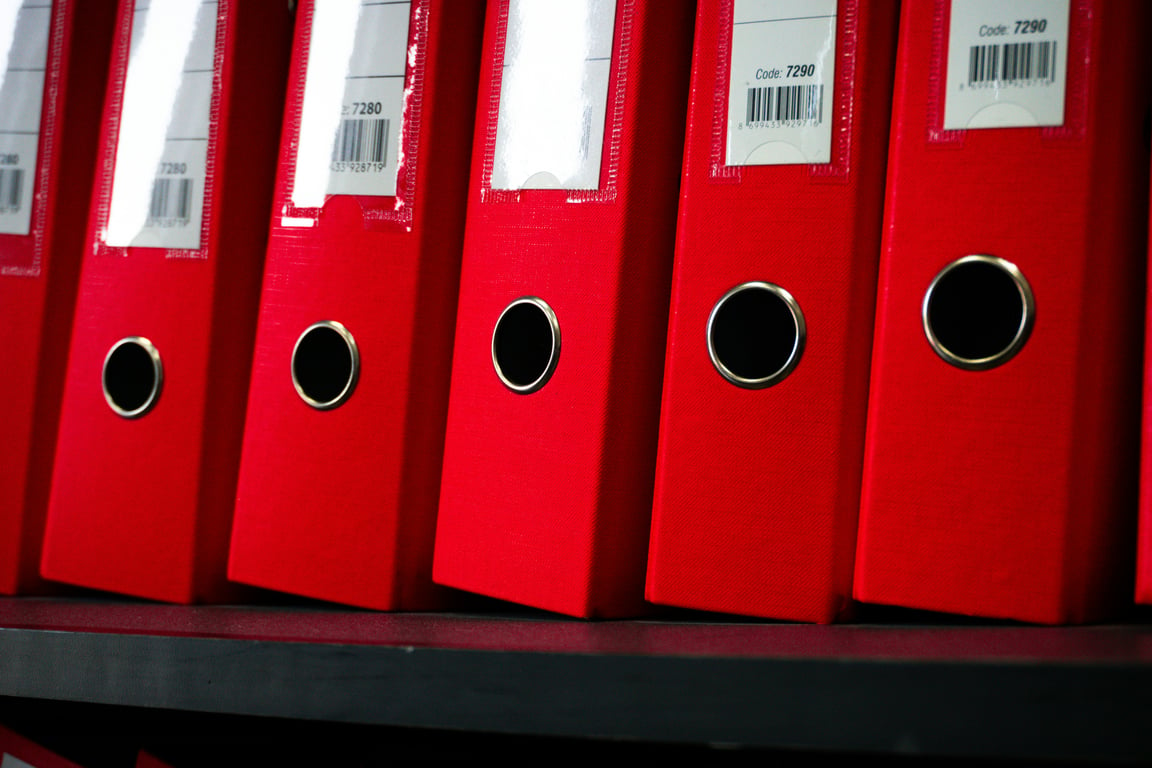
Paper files and folders, the way the grant program ran before it moved to Airtable. Photo by Wesley Tingey on Unsplash
The situation
The organization is a community development intermediary with about 30 staff. It funds and supports neighborhood groups, and it administers large state and federal grants. One of those grants pays for lead hazard repairs in older homes: the nonprofit takes applications from homeowners and landlords, sends a certified risk assessor to the property, writes a scope of work, assigns a contractor, and closes the job out after a final clearance test.
When they first called Connex, 8 to 10 staff were going to work in the system. They reported to 3 external funders and handled 20 to 40 grant applicants at a time. Almost all of it ran through email and Excel, with some data already in a few disconnected Airtable bases.
The problem
Grant programs live and die on paperwork. Each repair project needs a welcome letter with terms of service, an assessment order, a risk assessment report with two internal approvals, a scope of work, a contractor proceed order, a final clearance order, and a lien waiver, all signed by the right people in the right order. Funders want status counts on a schedule.
On the first call, the team named the pain plainly: information was collected differently every time, reporting was done twice, nobody could see who was working on what, and things got lost in email threads. Applications were reviewed in a Google Sheet, projects were tracked in another, and the construction manager kept her own set of about six spreadsheets for homeowner signatures, tenant relocation, scope status, contractor assignments and completed jobs.
The program coordinator was the one stitching it all together, by hand, every day.
What they'd already tried
They weren't starting from zero. The team had basic Airtable experience and had already built a few bases on their own. The trouble was that each base solved one person's problem. Applicant data, property data, risk assessors and contractors were copied between tables instead of linked, so the same address could exist three times with three different spellings.
They also didn't want to hand the whole thing to an outside firm and get back a system nobody on staff understood. They chose a middle path: build it together with a Connex consultant in recurring one-hour ZoomFlow sessions over Zoom, so staff learned the system as it was built.
What we built with Airtable, DocuSign and Zapier
Across more than 60 working sessions from 2025 into 2026, a Connex consultant and the program coordinator built the program's operating system one stage at a time.
1. One intake, one record per applicant. Applications came first. Intake moved from a Google Sheet into Airtable, with conditional questions for owner-occupied versus rental properties. When documents are missing, staff tick a box and the applicant gets an email with a pre-filled Fillout link that updates their existing record instead of creating a new one. Fillout was picked over the alternative because it was cheaper and faster to finish.
2. Linked tables instead of copied data. Applicants, properties, risk assessors, contractors and projects are separate linked tables. The production timeline shows each project's documents through lookups rather than copies. Staff work from one view per stage: Risk Assessment, Scope of Work, Contractor, Final Clearance and Work Closeout.
3. Every document goes out from a checkbox. Approving an application sends the welcome letter and terms of service through DocuSign and creates the project with a sequential project number. Ticking a box on a project sends the next document: assessment orders to risk assessors, scopes of work, contractor proceed orders, final clearance orders, lien waivers, contractor master agreements, deferral letters and the acknowledgment form for a separate free risk assessment program the funder requires (50 assessments, same workflow, its own table).
4. Signed copies file themselves. Zapier watches DocuSign for completed envelopes and attaches the signed PDF to the right Airtable record by matching the envelope ID, then updates the status. If no matching record exists, the coordinator gets an alert with the document instead of the file disappearing.
5. Follow-ups and invoices tracked automatically. Deferral letters that aren't returned within 5 days trigger an alert. Contractors get a pre-filled invoice request the moment they're assigned to a project, each invoice links to the project's cost record, and a countdown field shows whether it's not yet due, due or overdue against a 25-day window. The date an invoice goes to accounting stamps itself when its status changes.
6. One source of truth for construction and reporting. The construction manager's spreadsheets moved into her own Airtable table that syncs with the coordinator's production timeline, so she kept her address-based way of working while the data stopped living in two places. Weekly and monthly status counts for funders are being set up to push to the reporting sheet automatically, and a CompanyCam connection for site photos is in progress.
What broke, and how it was fixed
The edge cases worth knowing about if you're building something similar:
Simultaneous runs collided. When several applications were approved at once, Zapier ran them in parallel and every run grabbed the same next project number. Addresses got scrambled and terms of service failed to attach. The fix was a Delay After Queue step in Zapier, which lines the runs up and releases them one at a time.
DocuSign signing order mattered. Fields were arriving blank on contractor documents. Making the coordinator the first signer, so she completes the controlled fields before anyone else sees the envelope, solved it.
Mappings drift. A DocuSign API change broke the field mapping that had been working, and one automation was mapping the applicant's home address instead of the property address. Both had to be re-mapped.
Deletes are permanent. A project record deleted by a staff member was gone for good, since the snapshot was too old to restore. Deletion is now switched off on the production timeline. Projects get a cancelled status instead.
One bad import doubled everything. A spreadsheet imported as a CSV instead of run as a report doubled every property in the production timeline. A duplicate flag and a calculated guard field now stop repeat records from being created.
Multi-unit buildings. Landlords often submitted one application for a building with several units. An automation now detects multi-unit submissions, creates a record for each unit with the shared details pre-filled, and emails the applicant to complete each one.
The results
One system instead of scattered spreadsheets. Applications, projects, documents, contractors and invoices live in one linked Airtable base instead of email, Excel, Google Sheets and a half-dozen personal spreadsheets.
Nine signed document types, no manual filing. Nine document types go out from a checkbox and come back filed on the right project automatically, matched by envelope ID.
Status without status-chasing. Every project has a stage and a status, with a view for each step, so staff can see what's waiting on a risk assessor, a contractor or a homeowner without asking.
Fewer dropped balls. Unreturned deferrals and invoice due dates surface on their own instead of depending on someone remembering.
The client owns it. Zapier was moved from a personal login to an organization-owned Zapier Team account, so the automations belong to the nonprofit, not to one employee.
No time-saved or dollar figure is given here. The sessions never captured a reliable before-time per document or per application, and we'd rather show what the system actually does than invent a number. The volume figures above (8 to 10 users, 3 funders, 20 to 40 applicants, 50 free assessments, 5-day and 25-day windows) come straight from the client's own calls.
Client voice
Paraphrased from session notes: after the deduplication and lookup work was done, the coordinator said she was optimistic about how much smoother the system would run, and the team kept expanding it. The construction manager's spreadsheets, the invoicing process and the free assessment program were all brought in after the first workflows went live, at the staff's request.
FAQ
Will this work if our team already has a few Airtable bases?
Yes. Most of this project was consolidation: linking tables that had been copied, cleaning duplicate addresses, and moving spreadsheets in. You don't have to throw out what you built.
Can contractors and homeowners sign without an Airtable account?
Yes. They only ever see DocuSign emails and Fillout forms. Airtable stays internal, and signed documents come back to it automatically.
How fast was the first useful piece working?
The initial estimate was 15 to 20 hours for a first usable system. Application intake went live first, and each later stage was added once the one before it had been tested.
Running a grant program on spreadsheets and email?
If your team is chasing signatures, re-typing addresses and rebuilding funder reports by hand, that work can run itself. Book a free call with Connex and we'll map your grant program's workflow with you, stage by stage.
A Czech smart-metering operation used Smartsheet, Pipedream and Adobe document generation to auto-build 100–200 photo-rich apartment handover PDFs a month.